Acon Acoustica 7 Standard Multi-track Audio Editor – Professional Audio Software & Plugin
Acoustica is our solution for audio editing
post-production
podcast creation
mastering and audio restoration – with no compromises when it comes to audio quality and workflow. Whether you choose the fully featured Premium Edition or the budget friendly Standard Edition
you will get a fast and intuitive audio editor with an extensive set of high-quality processing tools and support for all common plug-in formats.
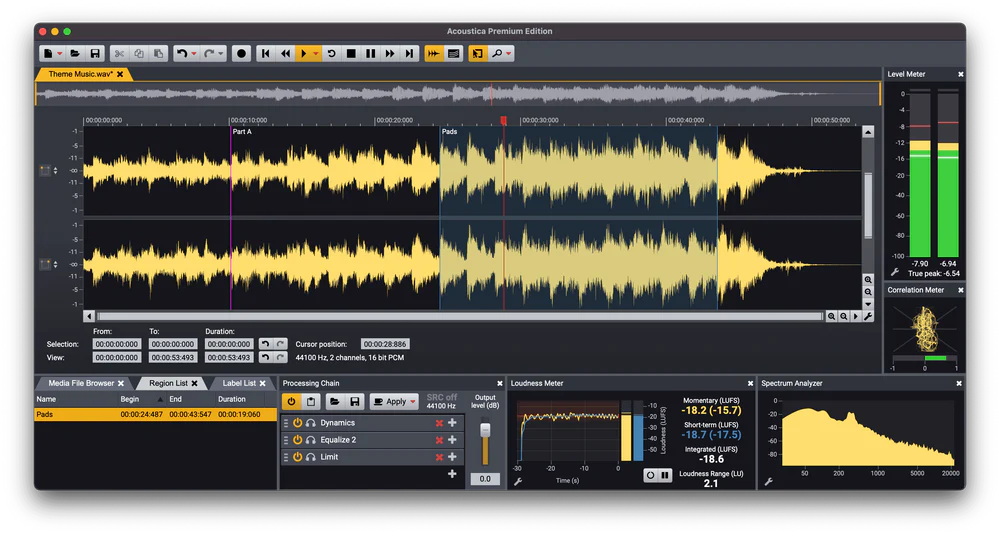
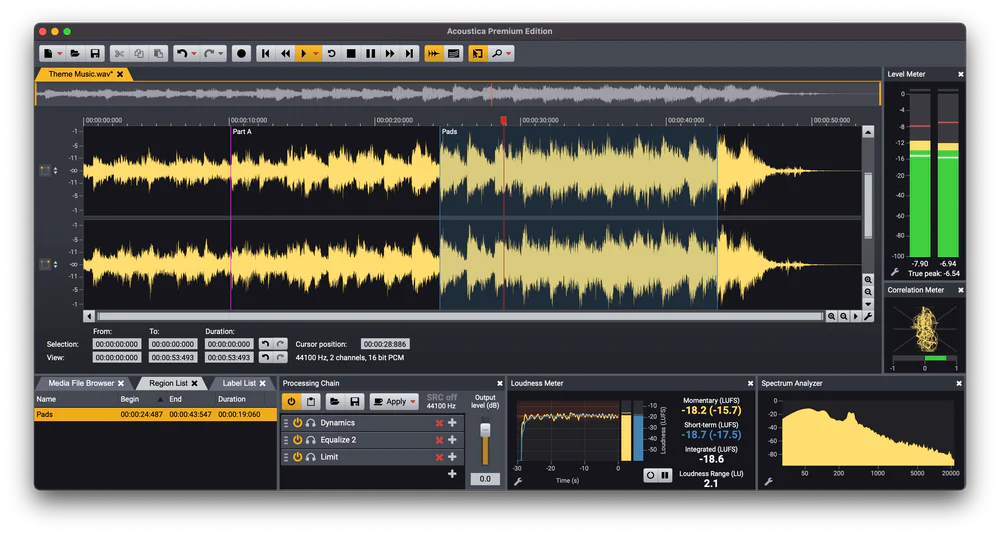
You can easily set up the flexible user interface according to your needs. Meters and real-time analyzers can be docked to the main window along with other pane windows such as label and regions marker lists
the processing chain or the media file browser.
New in Version 7.5
List:
- Automatic captioning and transcription based on automatic speech recognition
- Edit History pane with easy access to earlier editing steps
- New DeEss:Dialogue plug-in
- Updated Remix tool that can be inserted in the Processing Chain or the Batch Editor
- Draw waveform tool
- Search bar in keyboard shortcut and possibility to save and load keyboard shortcuts
- Support for Broadcast Wave Metadata including time offsets
- Tab to transients in clip editor
Cutting Edge Tools based on Deep Learning
Both the Standard and Premium Editions include the Remix tool based on deep learning. Remix can split a complete mix in up to five stems and you can adjust the stem levels independently in real-time. You can also import a complete mix into a multitrack session and let Acoustica create separate tracks for each stem automatically.ULTIMATE AUDIO QUALITY
Acoustica offers support for state-of-the-art audio resolutions up to 32 bit and sampling rates up to 384 kHz ensuring that all of your work comes across at the highest quality.PROCESSING TOOLS CHAINS AND PLUG-INS
High quality processing tools ranging from a new suite of dynamic processing tools to EQ and effects like reverb and chorus are integrated along with sample rate conversion time stretching and pitch shifting. You can create chains of audio processors and apply or store them for later use. A powerful batch processor is included and VST VST3 and AU (Mac only) plug-ins are supported.MULTITRACK EDITING
Mix audio from different tracks in real-time insert audio effects or create cross-fades easily in multitrack sessions. You can loop or time stretch clips directly from the multitrack timeline and automate volume pan and send levels.AUDIO RESTORATION
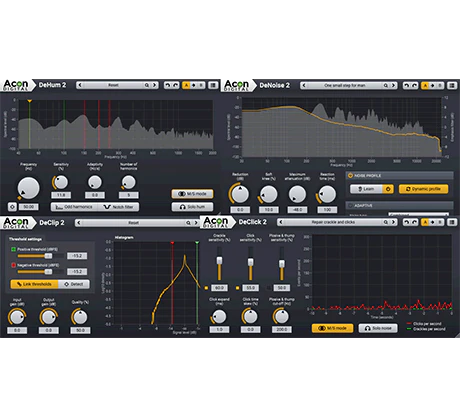
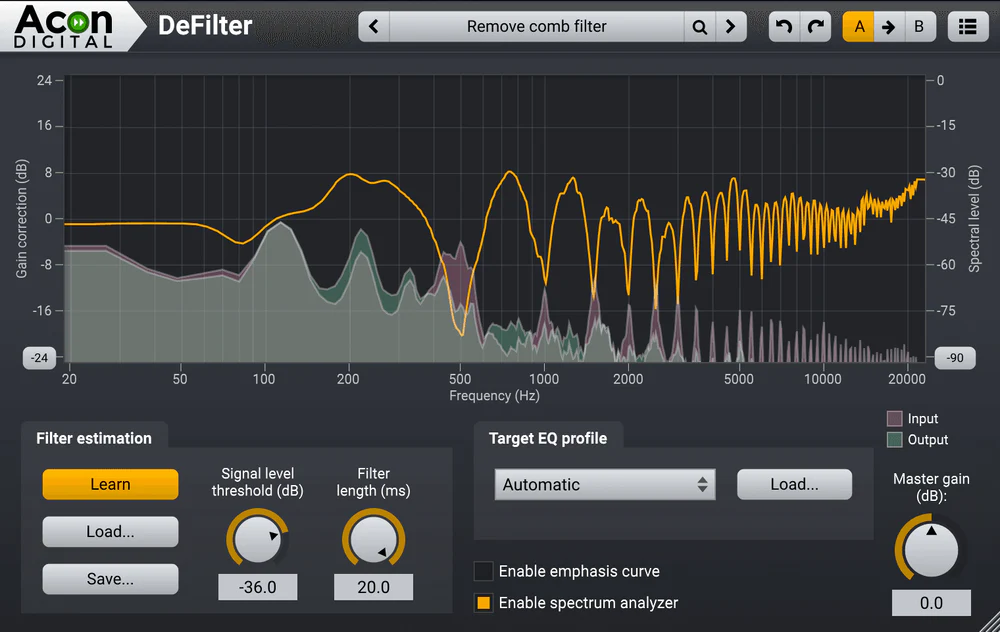
Integrated audio restoration tools help you get the most out of recordings impaired by background noise clicks crackle clipping or missing high frequency content. The Premium Edition includes the plug-ins from our Restoration Suite and Extract: Dialogue.ANALYSIS TOOLS
Analysis tools such as spectrum spectrogram and wavelet analysis are available. Real-time analyzers visualize your audio output (EBU R-128 loudness level spectral and phase correlation).Features:
- Supported driver models for audio recording and playback (Windows): ASIO Windows Audio (exclusive and non-exclusive) DirectSound
- Supported driver models for audio recording and playback (Mac): CoreAudio
- Maximum number of audio channels: 2 (stereo)
- Maximum sample rate: 384 kHz
- Up to 32 bit PCM or floating point
- Timer and input level triggered recording
- Unlimited Number of undo and redo levels
- Ultra fast non-destructive editing engine
- Standard cut copy paste and mix editing
- Optional Auto de-click at splice points
- Drag and drop editing
- Support for labels and region markers
- Support for Workspace files
- Cleaning Wizard that simplifies LP or tape to CD transfers
- Time formats: Hour:Min:Sec:MS SMPTE (23.98 24 25 29.97 drop frame 29.97 non-drop frame 30 fps) Sample index Bar:beat:tick
- Regions can be saved as separate files
- Tabbed MDI user interface
- Multitrack editor
- Maximum number of rendered audio channels: 2 (stereo)
- Maximum number of tracks: Unlimited
- Processing chains: Track inserts master inserts and send effects
- Loop or time stretch clips
- Cross-fade between clips
- Clip fades
- Automation curves: Volume left to right pan back to front pan and send level
- Level meter with true or sample peak peak hold and RMS indicators
- Level meter modes: K-20 K-14 K12 and digital full scale
- Customizable level meter ballistic settings
- Loudness meter: (EBU R-128 compliant)
- Spectrum analyzer
- Phase correlation meter
- Time display
- Spectrum analysis
- Spectrogram analysis
- Wavelet (Morlet wavelet) analysis
- Spectral histrogram
- Statistics
- Automatic track splitting
- Restoration Suite 2: Yes but with DeNoise Light (static noise profile only and fewer parameters)
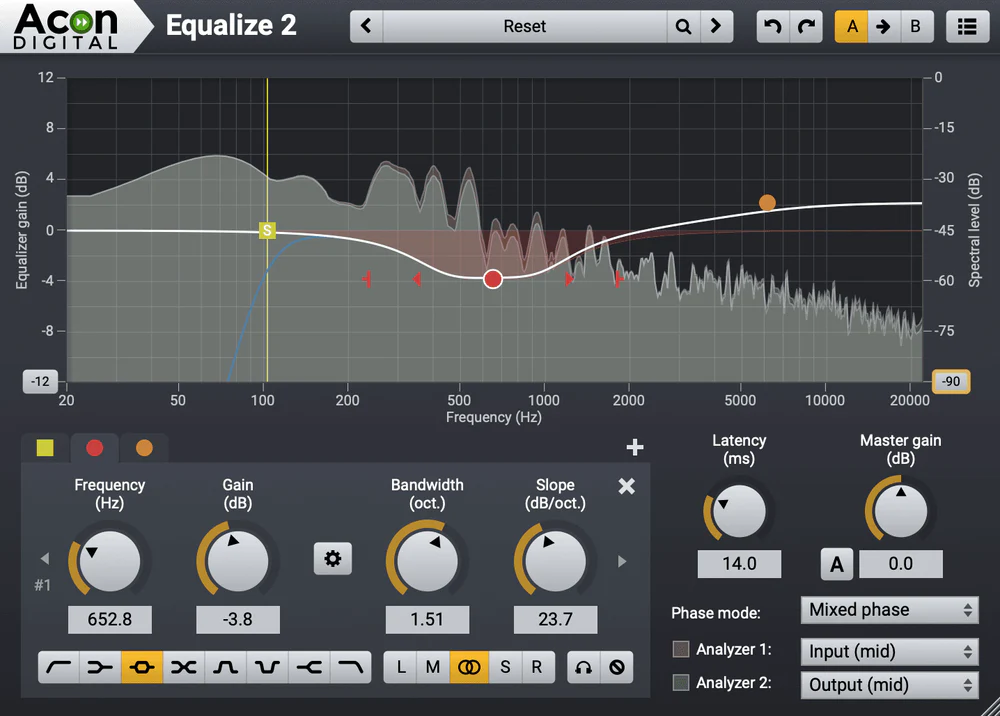
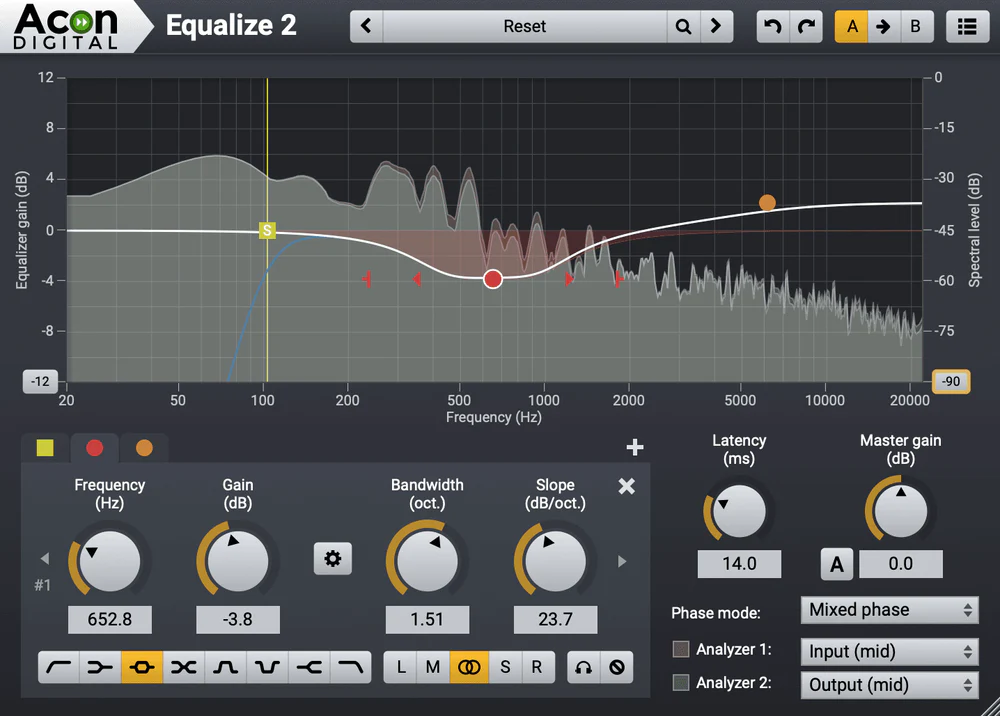
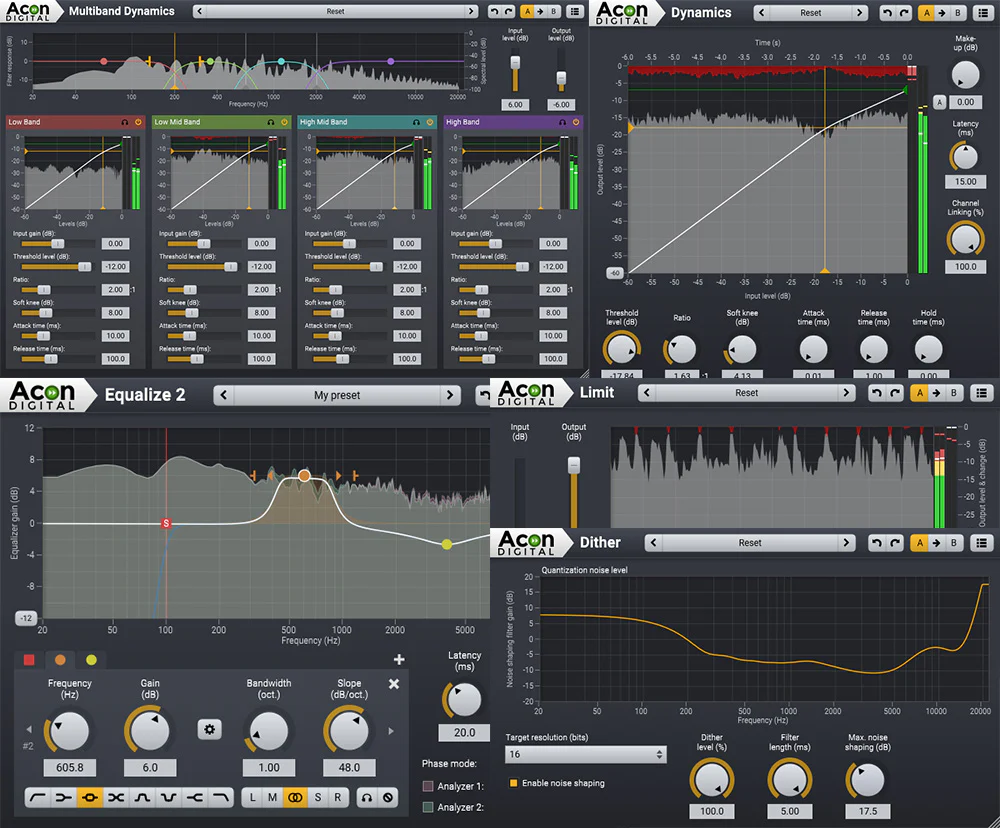
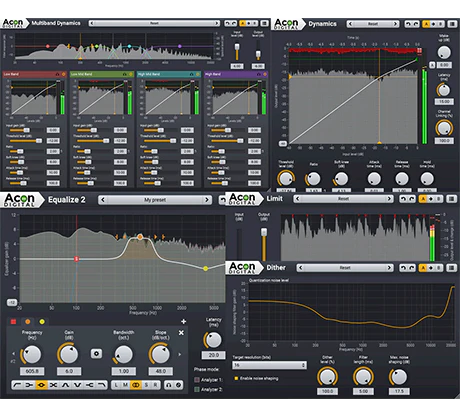
- Mastering Suite: Dynamics Limit Dither and a feature limited version of Equalize 2
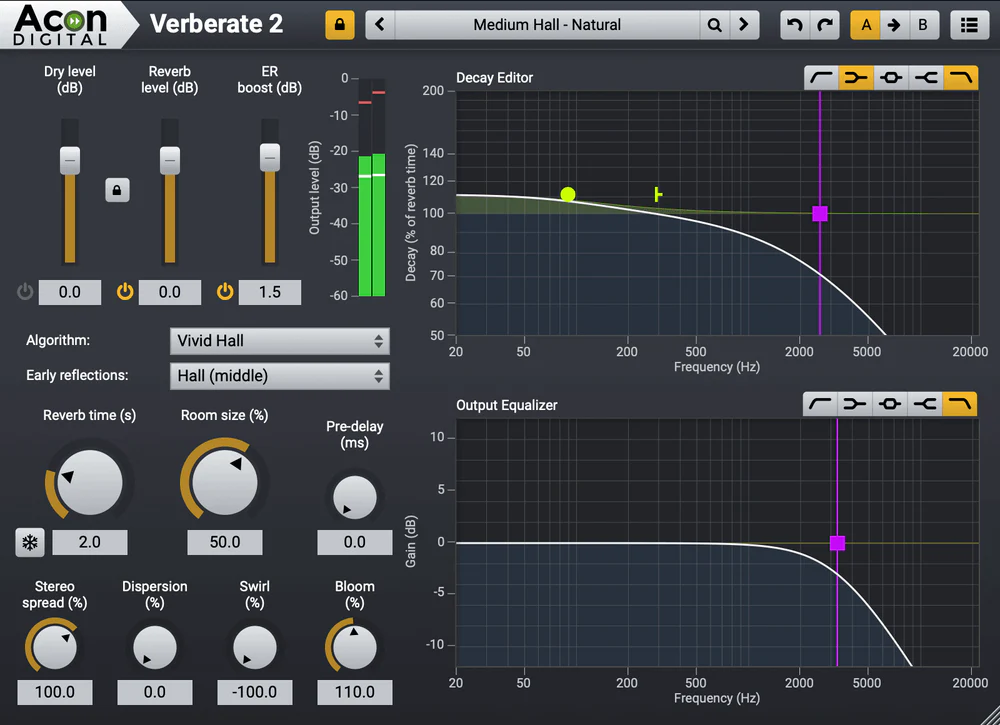
- Verberate 2: Feature limited version
- Processing chain
- Plug-in support: VST VST3 and AU (Mac only)
- Real-time preview audio processors
- Preset manager (for internal tools)
- Volume curves
- Fade ins and outs with five different curves
- High quality sample format conversion
- Dithering and noise shaping
- Channel mixer for stereo image adjustments
- Batch processing (files and complete folder structures)
- Add sampler loops
- Loop fader (cross-faded loops)
- Test signal generator
- Dynamics (compressor expander and gate)
- Limit
- Remix
- Rotate Phase
- Invert Phase
- DeClick
- DeClip
- DeNoise - Light version with only static noise profile and fewer parameters
- DeHum
- Vitalize
- Automatically remove DC offsets
- Reverb
- Convolution reverb
- Echo (multitap delay width feedback filtering and optional stereo bouncing)
- Modulate (flanger and phaser)
- Chorus - based on Acon Digital Multiply
- Transpose (pitch change)
- Time Stretching
- Harmonizer with up to four voices
- Supported audio formats: WAV WAV64 AIFF MP4 (AAC – Windows 7 or higher required) MP3 OGG FLAC WMA
- Edit ACID information i wave files
- Integrated file browser pane in the workspace
- Integrated audio burning
- Disc At Once burning (DAO) for gapless recording
- Import audio tracks from CDs
- Supports buffer underun protection schemes
- Save and load CD projects
- Erase CD-RWs
Requirements:
| Platform | CPU | RAM | Disk | Notes | Additional Requirement | Audio Card | Ports | Internet Required | 32 Bit Support | 64 Bit Support | Plugins |
| mac | 4 | 10 | 0 | 0 | 1 | VST-2 VST-3 AU | |||||
| windows | Intel Core i3 or AMD multi-core processor (Intel Core i5 or faster recommended) | 4 | 10 | 0 | 0 | 1 | VST-2 VST-3 |
$10,976.00
Acon Acoustica 7 Standard Multi-track Audio Editor – Professional Audio Software & Plugin—
$10,976.00

Description
Acoustica is our solution for audio editing
post-production
podcast creation
mastering and audio restoration – with no compromises when it comes to audio quality and workflow. Whether you choose the fully featured Premium Edition or the budget friendly Standard Edition
you will get a fast and intuitive audio editor with an extensive set of high-quality processing tools and support for all common plug-in formats.
You can easily set up the flexible user interface according to your needs. Meters and real-time analyzers can be docked to the main window along with other pane windows such as label and regions marker lists
the processing chain or the media file browser.
New in Version 7.5
List:
- Automatic captioning and transcription based on automatic speech recognition
- Edit History pane with easy access to earlier editing steps
- New DeEss:Dialogue plug-in
- Updated Remix tool that can be inserted in the Processing Chain or the Batch Editor
- Draw waveform tool
- Search bar in keyboard shortcut and possibility to save and load keyboard shortcuts
- Support for Broadcast Wave Metadata including time offsets
- Tab to transients in clip editor
Cutting Edge Tools based on Deep Learning
Both the Standard and Premium Editions include the Remix tool based on deep learning. Remix can split a complete mix in up to five stems and you can adjust the stem levels independently in real-time. You can also import a complete mix into a multitrack session and let Acoustica create separate tracks for each stem automatically.ULTIMATE AUDIO QUALITY
Acoustica offers support for state-of-the-art audio resolutions up to 32 bit and sampling rates up to 384 kHz ensuring that all of your work comes across at the highest quality.PROCESSING TOOLS CHAINS AND PLUG-INS
High quality processing tools ranging from a new suite of dynamic processing tools to EQ and effects like reverb and chorus are integrated along with sample rate conversion time stretching and pitch shifting. You can create chains of audio processors and apply or store them for later use. A powerful batch processor is included and VST VST3 and AU (Mac only) plug-ins are supported.MULTITRACK EDITING
Mix audio from different tracks in real-time insert audio effects or create cross-fades easily in multitrack sessions. You can loop or time stretch clips directly from the multitrack timeline and automate volume pan and send levels.AUDIO RESTORATION
Integrated audio restoration tools help you get the most out of recordings impaired by background noise clicks crackle clipping or missing high frequency content. The Premium Edition includes the plug-ins from our Restoration Suite and Extract: Dialogue.ANALYSIS TOOLS
Analysis tools such as spectrum spectrogram and wavelet analysis are available. Real-time analyzers visualize your audio output (EBU R-128 loudness level spectral and phase correlation).Features:
- Supported driver models for audio recording and playback (Windows): ASIO Windows Audio (exclusive and non-exclusive) DirectSound
- Supported driver models for audio recording and playback (Mac): CoreAudio
- Maximum number of audio channels: 2 (stereo)
- Maximum sample rate: 384 kHz
- Up to 32 bit PCM or floating point
- Timer and input level triggered recording
- Unlimited Number of undo and redo levels
- Ultra fast non-destructive editing engine
- Standard cut copy paste and mix editing
- Optional Auto de-click at splice points
- Drag and drop editing
- Support for labels and region markers
- Support for Workspace files
- Cleaning Wizard that simplifies LP or tape to CD transfers
- Time formats: Hour:Min:Sec:MS SMPTE (23.98 24 25 29.97 drop frame 29.97 non-drop frame 30 fps) Sample index Bar:beat:tick
- Regions can be saved as separate files
- Tabbed MDI user interface
- Multitrack editor
- Maximum number of rendered audio channels: 2 (stereo)
- Maximum number of tracks: Unlimited
- Processing chains: Track inserts master inserts and send effects
- Loop or time stretch clips
- Cross-fade between clips
- Clip fades
- Automation curves: Volume left to right pan back to front pan and send level
- Level meter with true or sample peak peak hold and RMS indicators
- Level meter modes: K-20 K-14 K12 and digital full scale
- Customizable level meter ballistic settings
- Loudness meter: (EBU R-128 compliant)
- Spectrum analyzer
- Phase correlation meter
- Time display
- Spectrum analysis
- Spectrogram analysis
- Wavelet (Morlet wavelet) analysis
- Spectral histrogram
- Statistics
- Automatic track splitting
- Restoration Suite 2: Yes but with DeNoise Light (static noise profile only and fewer parameters)
- Mastering Suite: Dynamics Limit Dither and a feature limited version of Equalize 2
- Verberate 2: Feature limited version
- Processing chain
- Plug-in support: VST VST3 and AU (Mac only)
- Real-time preview audio processors
- Preset manager (for internal tools)
- Volume curves
- Fade ins and outs with five different curves
- High quality sample format conversion
- Dithering and noise shaping
- Channel mixer for stereo image adjustments
- Batch processing (files and complete folder structures)
- Add sampler loops
- Loop fader (cross-faded loops)
- Test signal generator
- Dynamics (compressor expander and gate)
- Limit
- Remix
- Rotate Phase
- Invert Phase
- DeClick
- DeClip
- DeNoise - Light version with only static noise profile and fewer parameters
- DeHum
- Vitalize
- Automatically remove DC offsets
- Reverb
- Convolution reverb
- Echo (multitap delay width feedback filtering and optional stereo bouncing)
- Modulate (flanger and phaser)
- Chorus - based on Acon Digital Multiply
- Transpose (pitch change)
- Time Stretching
- Harmonizer with up to four voices
- Supported audio formats: WAV WAV64 AIFF MP4 (AAC – Windows 7 or higher required) MP3 OGG FLAC WMA
- Edit ACID information i wave files
- Integrated file browser pane in the workspace
- Integrated audio burning
- Disc At Once burning (DAO) for gapless recording
- Import audio tracks from CDs
- Supports buffer underun protection schemes
- Save and load CD projects
- Erase CD-RWs
Requirements:
| Platform | CPU | RAM | Disk | Notes | Additional Requirement | Audio Card | Ports | Internet Required | 32 Bit Support | 64 Bit Support | Plugins |
| mac | 4 | 10 | 0 | 0 | 1 | VST-2 VST-3 AU | |||||
| windows | Intel Core i3 or AMD multi-core processor (Intel Core i5 or faster recommended) | 4 | 10 | 0 | 0 | 1 | VST-2 VST-3 |